A tool for TikTok creators
Upload your videos to TikTok in their original quality
TikTok automatically re-compresses every video, so you lose its real quality. MrQuality keeps your videos at full quality while uploading — even at 60 or 120 frames per second — with no noticeable difference between the original and the uploaded version.
Install the extension
Create account
Create your account without installing the extension first.
On your phone? Try the phone version →
✦ The problem
Why do your videos lose quality?
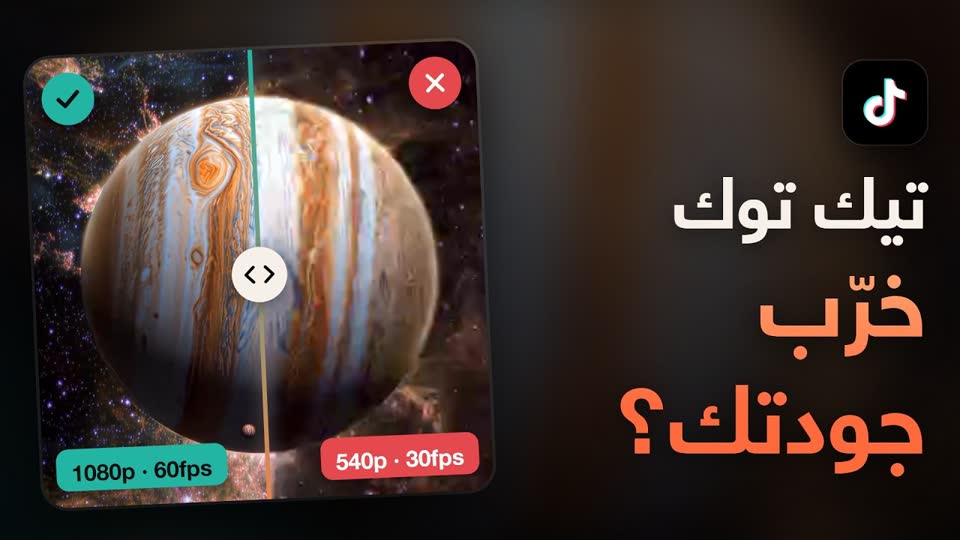
When TikTok receives a video, its platform automatically re-compresses and re-encodes it — even if you shot it in high quality. The result is a video that is less sharp, with less detail than what you filmed.
Original file
1080p · 120fps
Full quality
→
Regular TikTok upload
1080p · 30fps
Compressed quality
→
With MrQuality
1080p · 120fps
Full quality preserved
✦ Getting started
How it works
1
Install the extension
From the Chrome Web Store, in one step.
2
Sign in
With the same website account, from inside the extension.
3
Drop your video
Or pick it straight from your computer.
4
Uploads automatically
In original quality, with no re-encoding.
✦ Features
All your tools in one place
Full-quality uploads
Drag and drop your video and upload it to TikTok in its original quality (60/120fps), with a progress bar showing every stage.
MP4 Patcher
Process the video file locally and download it ready to use, without uploading it to any external server.
Live stats
A small window over the TikTok video page that shows its technical details while it plays.
Video inspector
Enter the link of any TikTok video to see its technical details, and download it without a watermark.
✦ Phone version
No computer? Prepare your video from your phone
Open the phone version in your phone's browser (Android or iPhone) with no extension to install, prepare the video, and upload it to TikTok Studio from the browser.
1
Choose a video
From your phone — it gets prepared right here in seconds.
2
Download the prepared file
It is saved to Files or Downloads.
3
Upload it to TikTok Studio
From your phone's browser, in "Desktop site" mode.
It opens on phones only and needs an account with an active subscription.
✦ Pricing
One plan, no complications
Monthly subscription
$4.99 / month
✓ Unlimited full-quality uploads
✓ All extension and website features
✓ Inspect and download videos without a watermark
✓ Email support
✦ FAQ
Answers to the most common questions
MrQuality is a Google Chrome extension that uploads TikTok videos in their full original quality, including 60 and 120 frames per second, without TikTok compressing them. The video is processed inside your browser and your file is never uploaded to our servers.
TikTok automatically re-compresses and re-encodes videos after upload, so they lose some sharpness and detail even if you filmed them in high quality. MrQuality helps you keep the original quality while uploading.
No. Video processing happens entirely inside your browser. The file is never uploaded to or stored on our servers — it goes straight from your browser to TikTok.
Yes. MrQuality is built to keep your videos’ original quality, including high frame rates such as 60 and 120 frames per second.
MP4 files with H.264 video and AAC audio — the format most editing apps, cameras and phones export.
Install the extension from the Chrome Web Store, sign in with your website account, then drop in your video or pick it from your computer — it uploads automatically in its original quality.
There is one plan at $4.99 per month. You can pay by bank card through Gumroad, or with any other payment method available on your account page.
Yes. One account works on both the website and the extension, and it can be active on one device at a time.